Posture awareness with AirPods
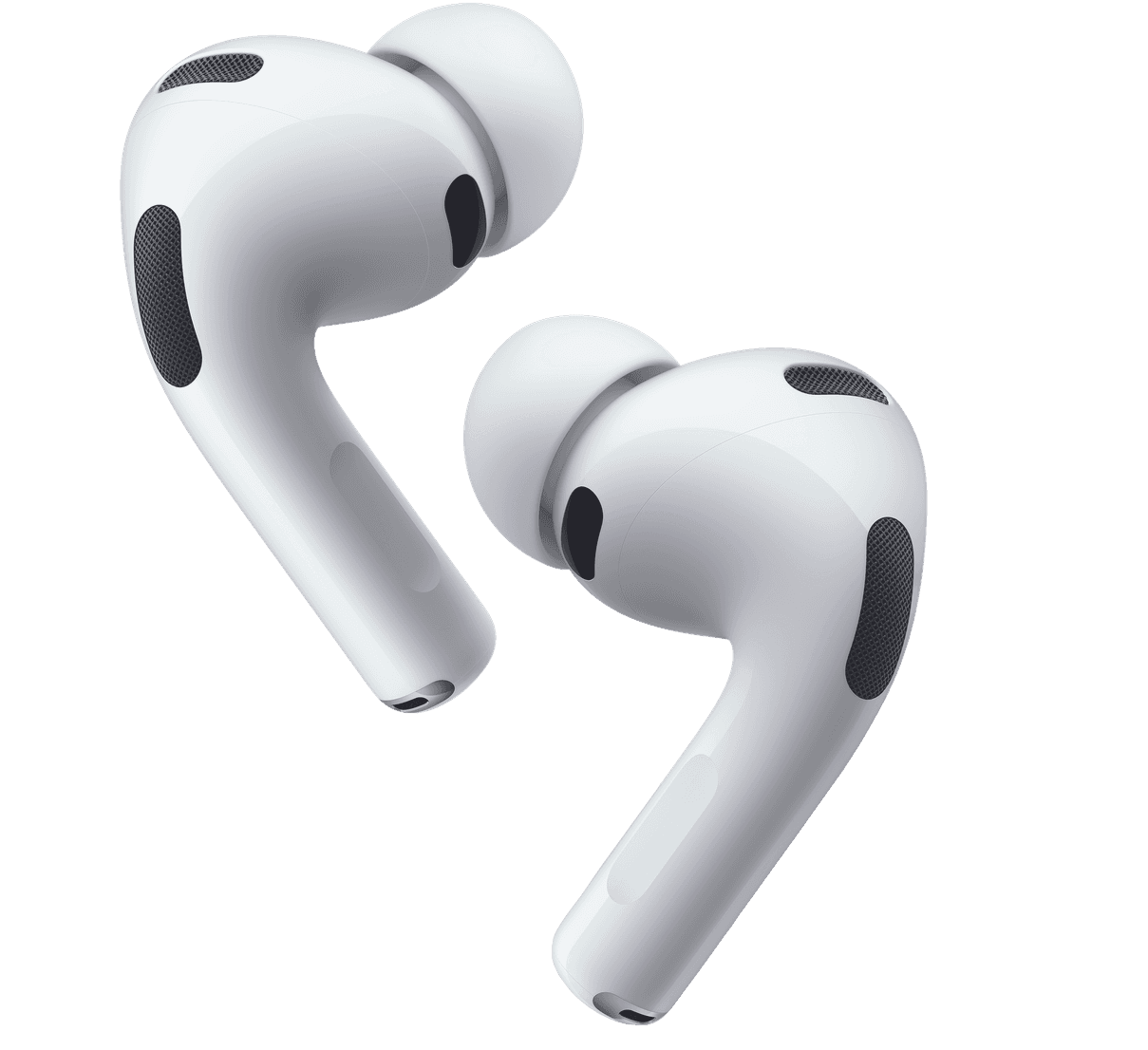
Airform uses motion from supported AirPods and Beats to show when your posture drifts or you’ve stayed still too long. This helps you adjust sooner while you work.
Coming soon
Notify me at launch
7-day free trial · One-time purchase
Mac, iPhone and iPad
Requires supported AirPods or Beats.
See supported models →


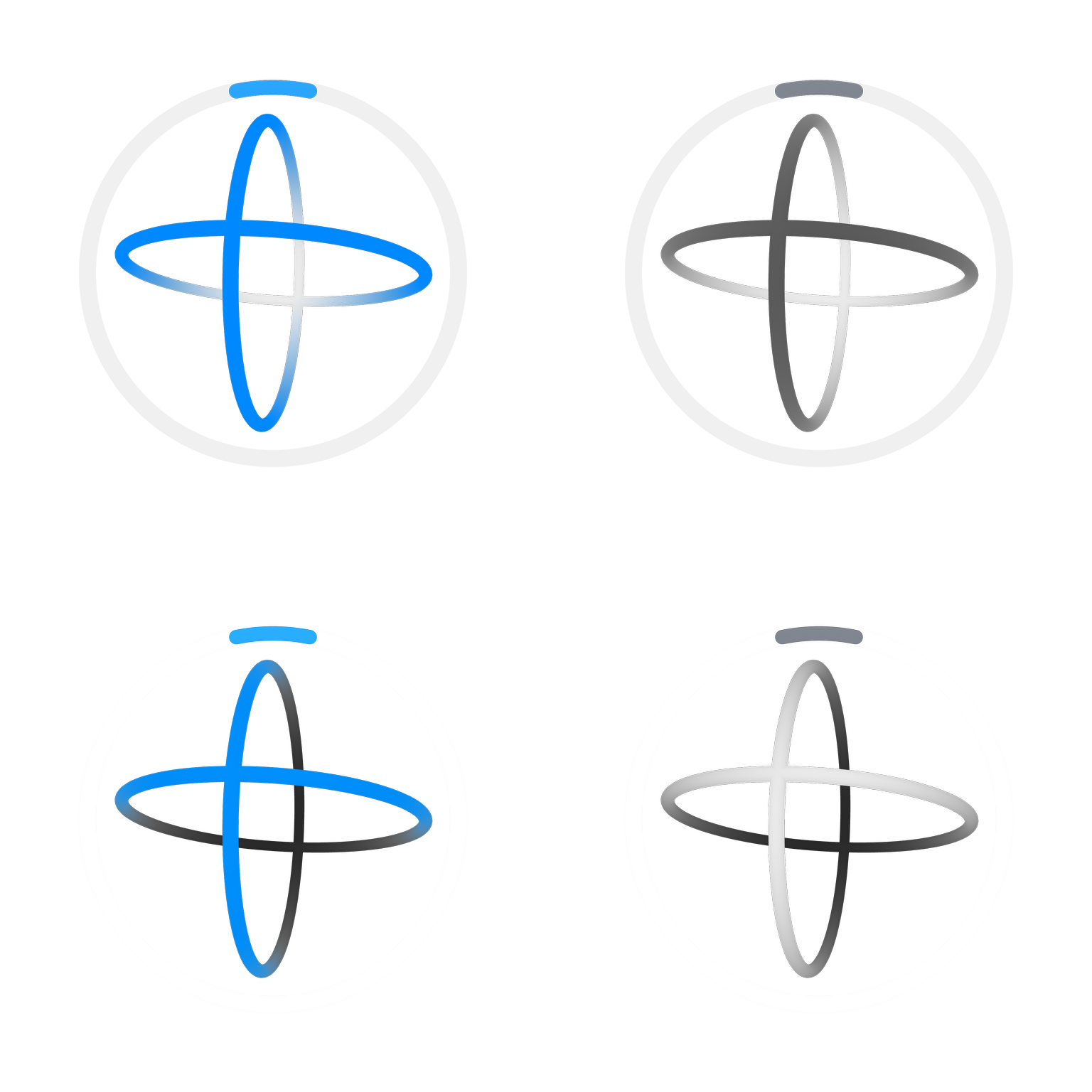
Live feedback, alerts, and session history.
See posture changes while you work, choose how Airform gets your attention, and review each session later.
Live Orbit
See posture drift in real time. Airform’s 3D view follows your head movement, making changes easy to spot at a glance.

Made for your setup
Create profiles for different desks, tune sensitivity by direction, and calibrate from a posture that feels natural to you.


Clear history
Look back on posture changes, long stillness, and movement patterns by tracking period, day, or week.

In sync across devices
Keep profiles and completed tracking history available across Mac, iPhone and iPad through iCloud.

Choose your reminders
Choose a display border or create a personal Media Alert with an image, video, or audio clip.

Right in the menu bar
Check your posture and control Airform without leaving your work.

Music controls, built in
On Mac, play, pause, skip, seek, and adjust volume in supported music apps, right from Airform.





YouTube and YouTube Music require the Safari extension included in Airform.
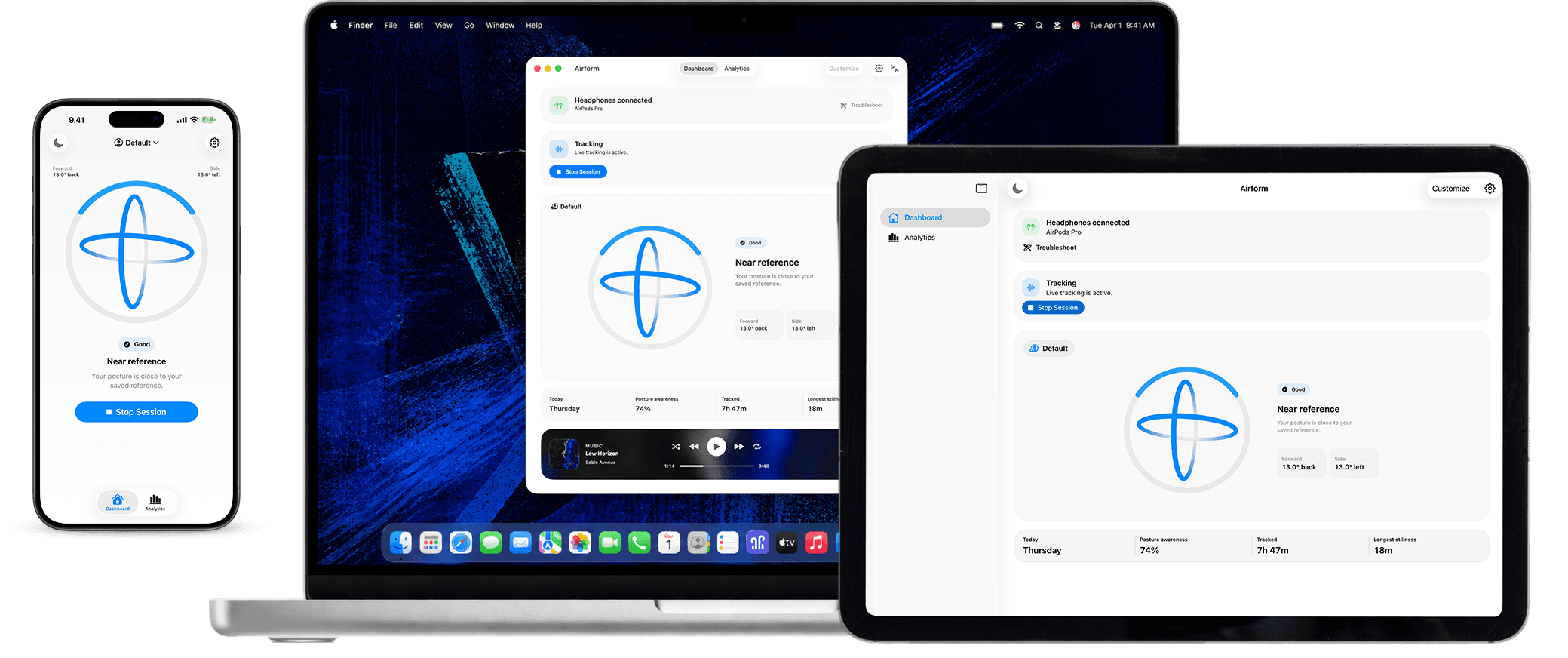
Airform, wherever you work
Choose the screen that fits the moment: Mac, iPhone or iPad.


1
Put on supported AirPods or Beats
Airform uses the motion sensors already inside your headphones. No camera or extra sensor.
2
Set up Airform for your desk
Save a profile for each setup, tune sensitivity by direction, and calibrate from a posture that feels natural.
3
Track live. Review later.
See posture drift and long stillness while you work, then review patterns across sessions, days and weeks.
MAC, IPHONE & IPAD
The full Airform desk experience is on Mac. iPhone and iPad keep live tracking in view.
On Mac, Airform can track while another app is in front. On iPhone and iPad, Airform stays visible during focused tracking. Profiles and completed posture history can sync through iCloud.
ON EVERY DEVICE
Airform can keep tracking while another Mac app is in front. Choose an image, video, or audio clip for Media Alerts, use the display border for a quieter cue, and control supported media from Compact View.

Airform for iPhone and iPad
Keep Airform open as a live posture view. Both devices show visual border alerts. iPhone can add haptic cues, while iPad gives the live view more room on your desk.

One purchase. Mac, iPhone and iPad.
Your seven-day trial includes all three. One purchase unlocks Airform on Mac, iPhone and iPad. Profiles and completed posture history can sync through iCloud.
See pricing
